

Notate
Annotate anything on your screen — for humans and their agents.
Requires macOS 15 or later
Features
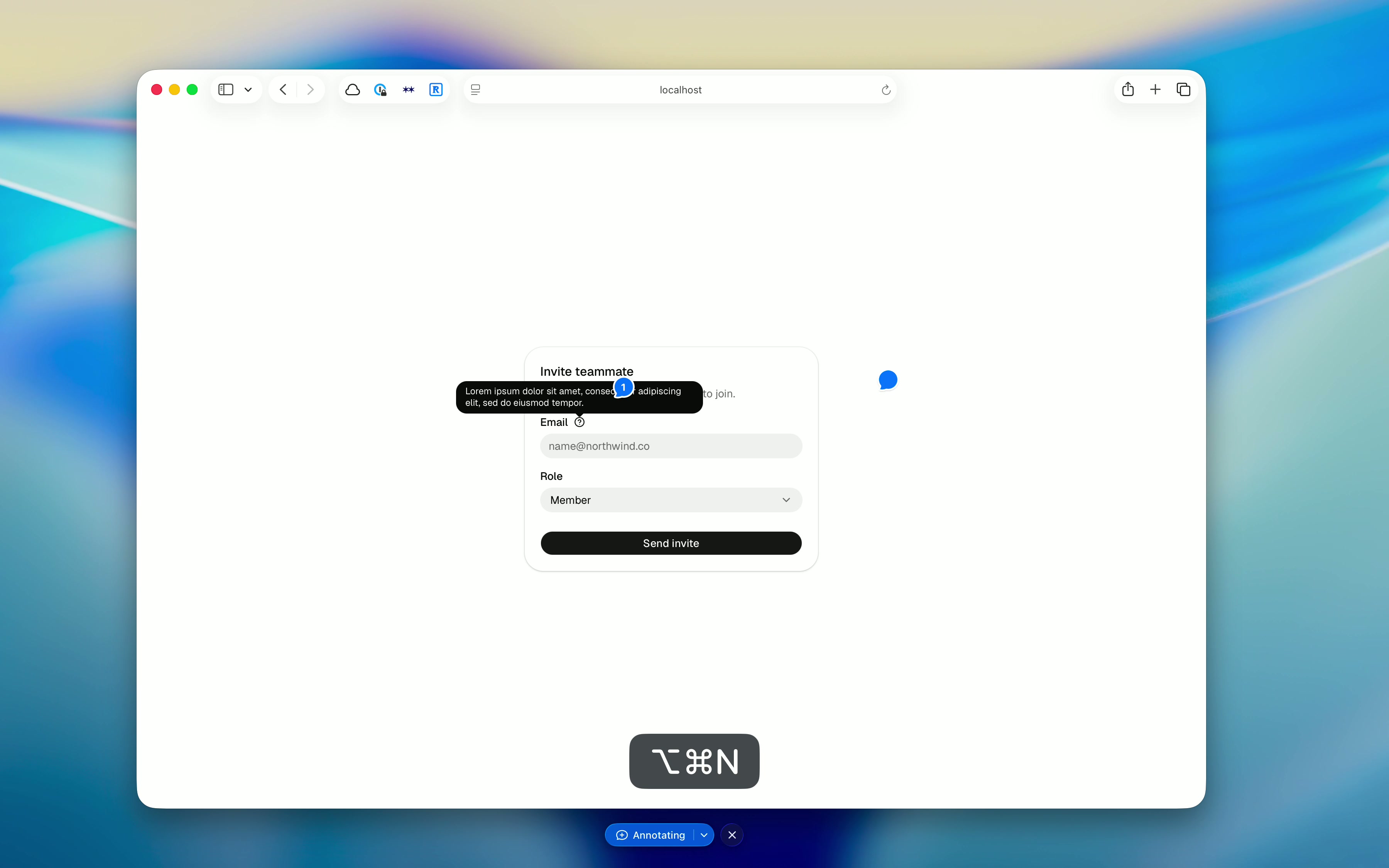
- - Freeze the screen. The frame is taken the instant you ask for it — open menus, hover and focus states included. Nothing underneath can move while you annotate.
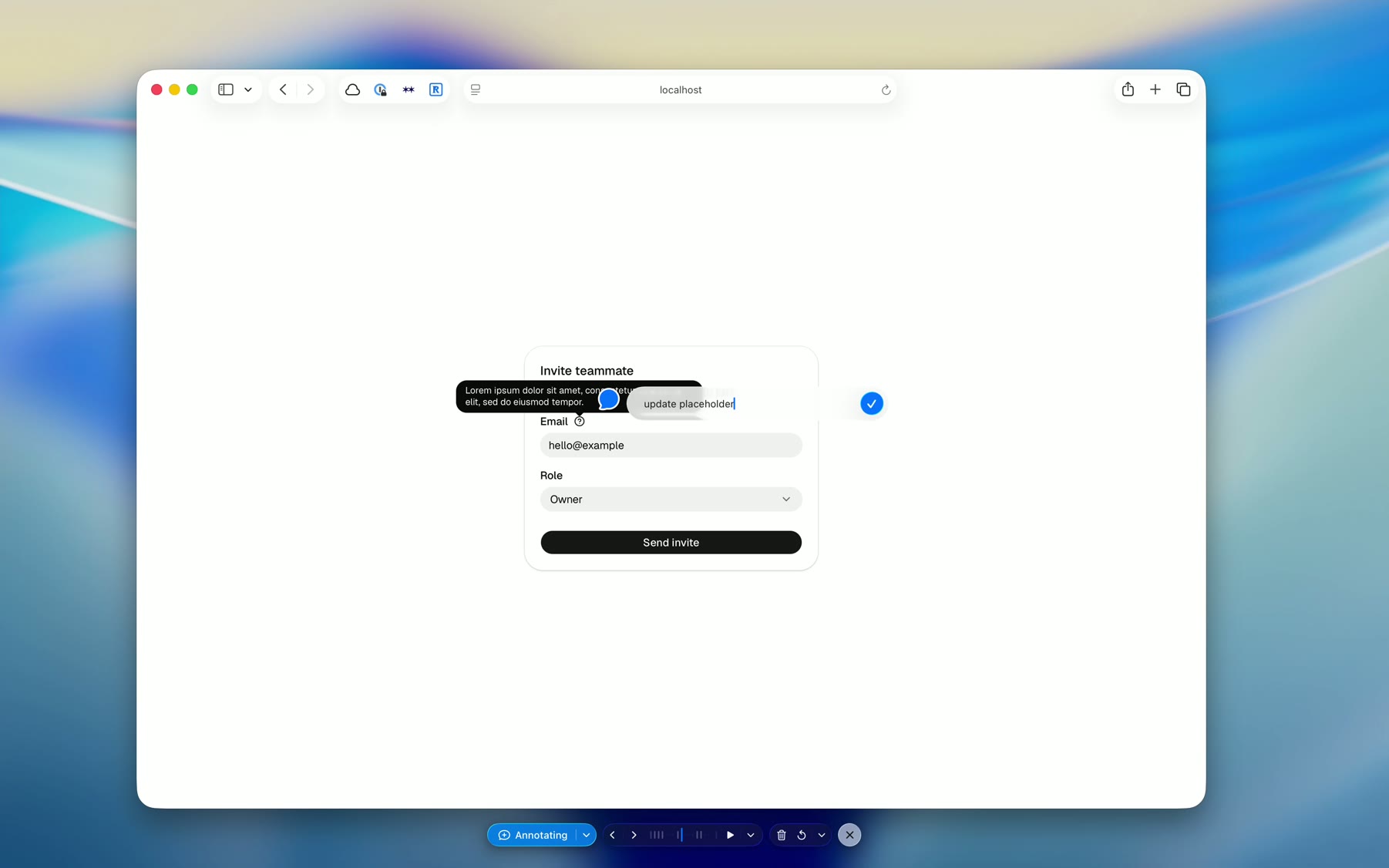
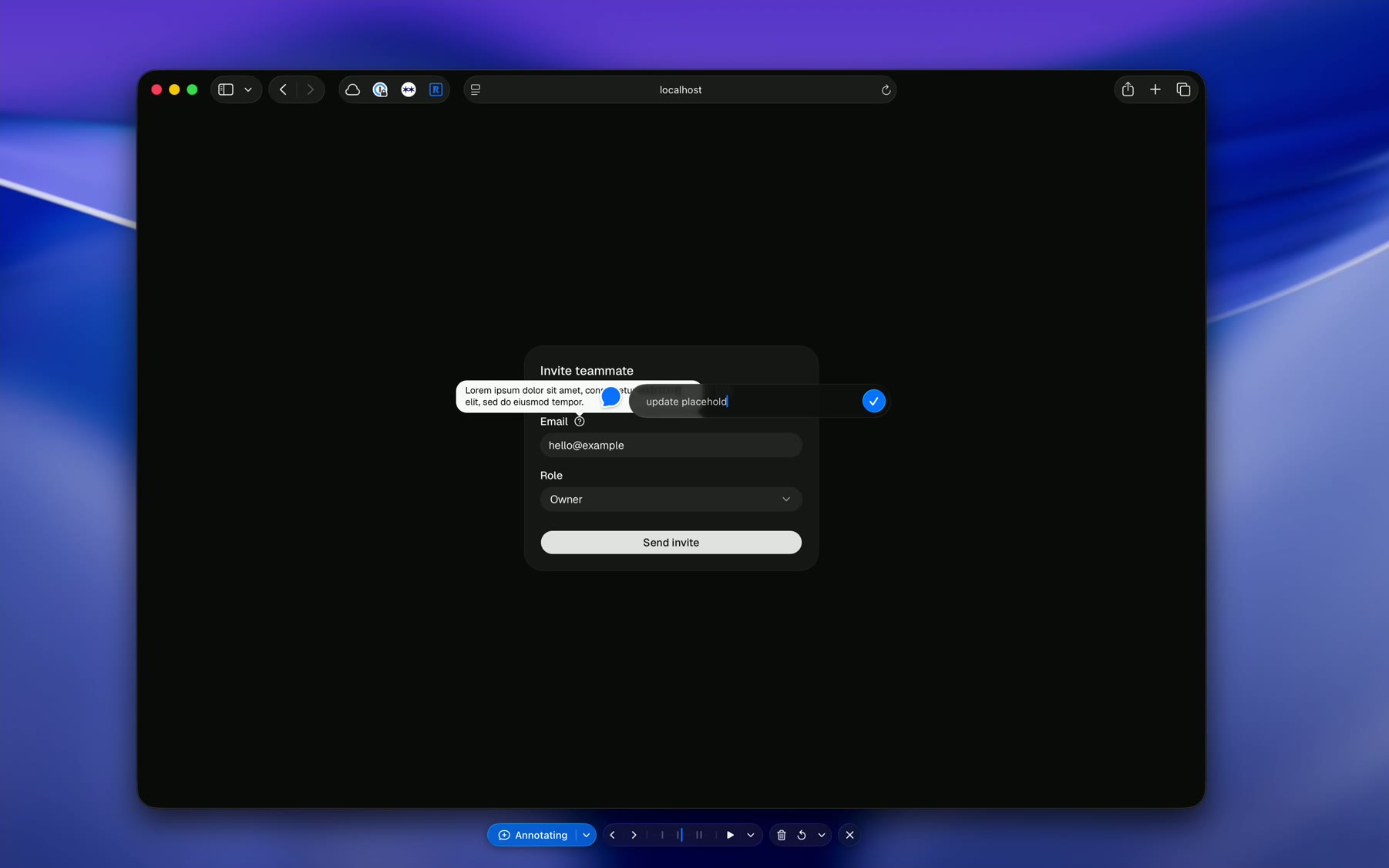
- - Record frames. Capture over time instead of a single still. Scrub the candle timeline and annotate any frame.
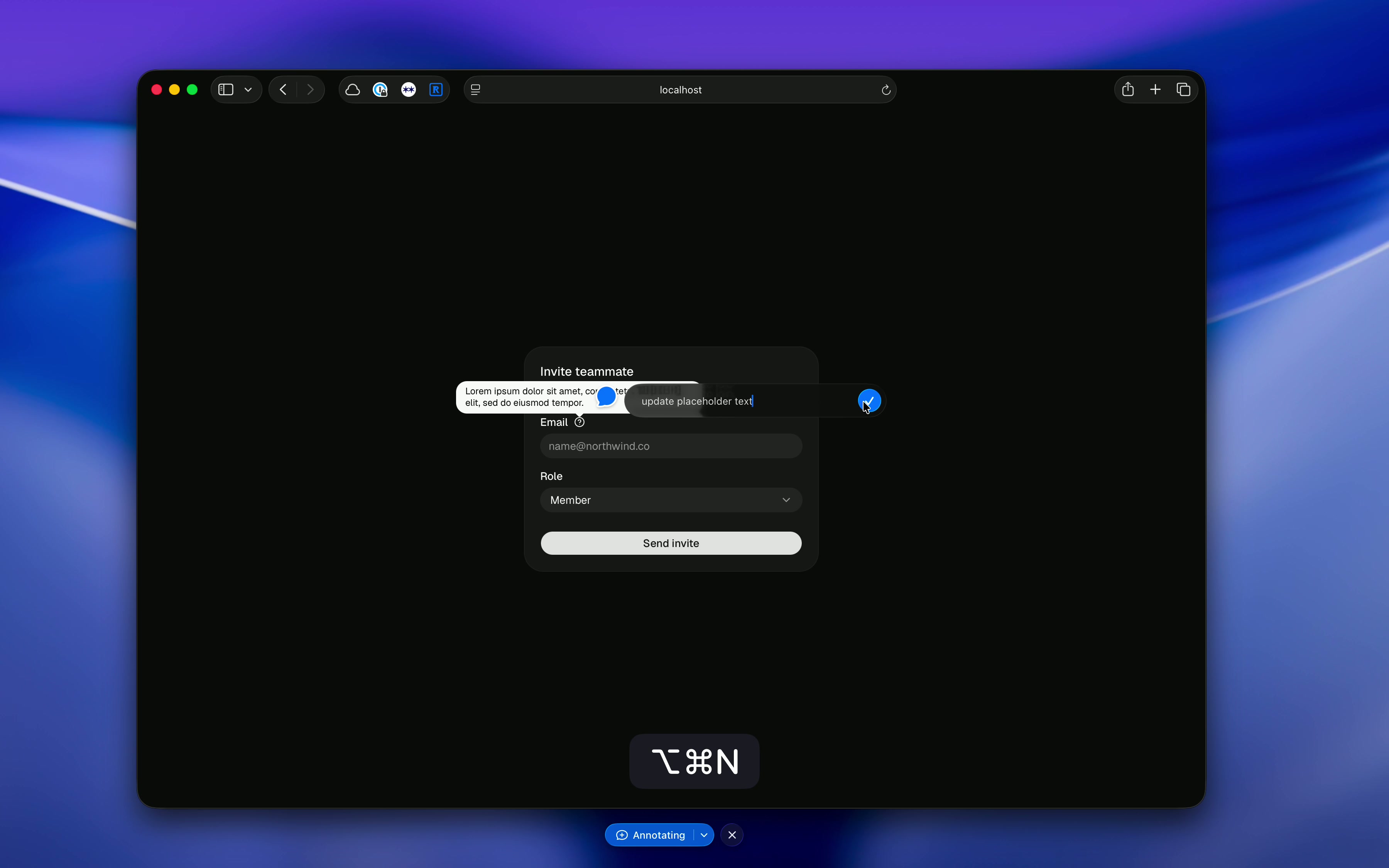
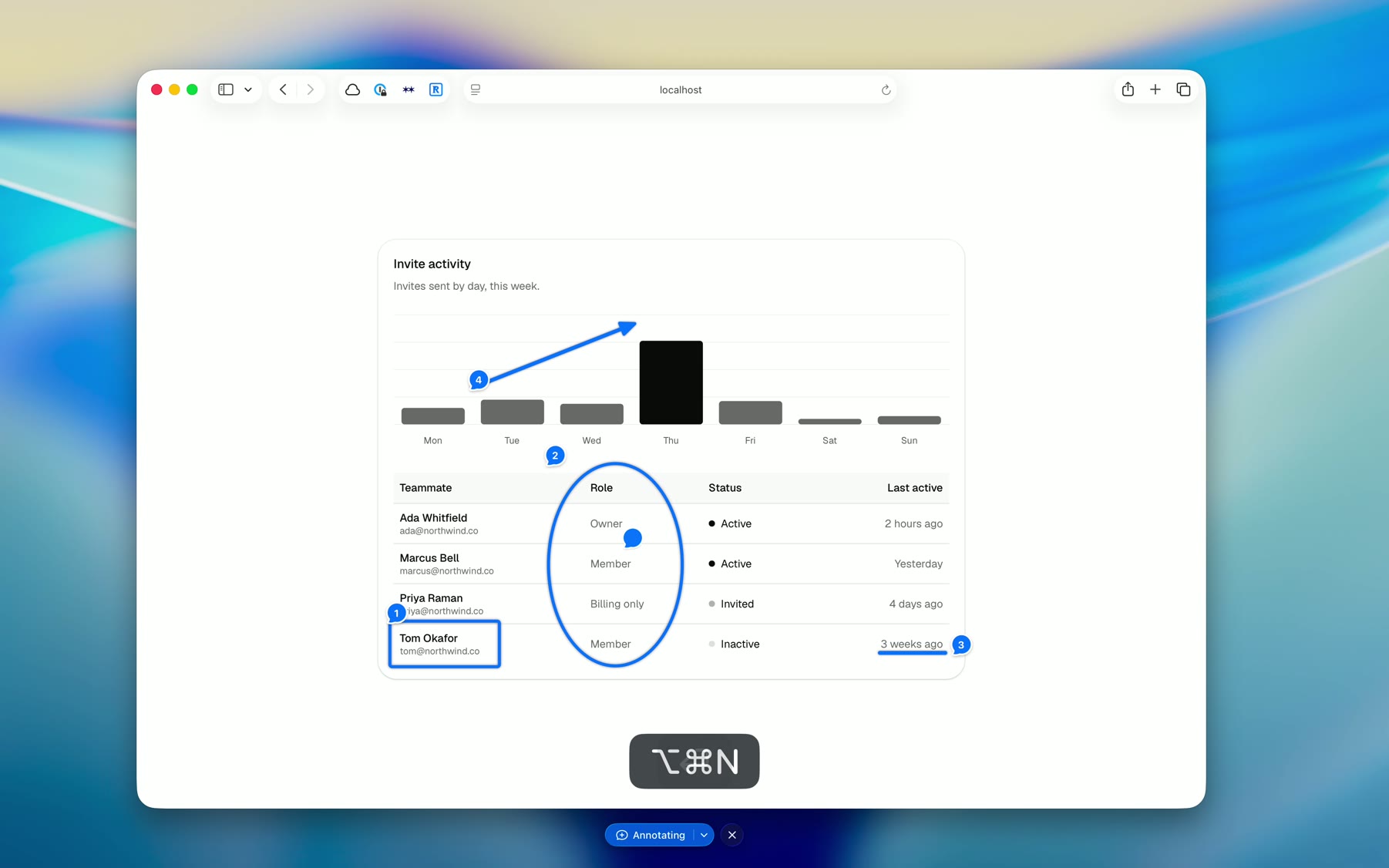
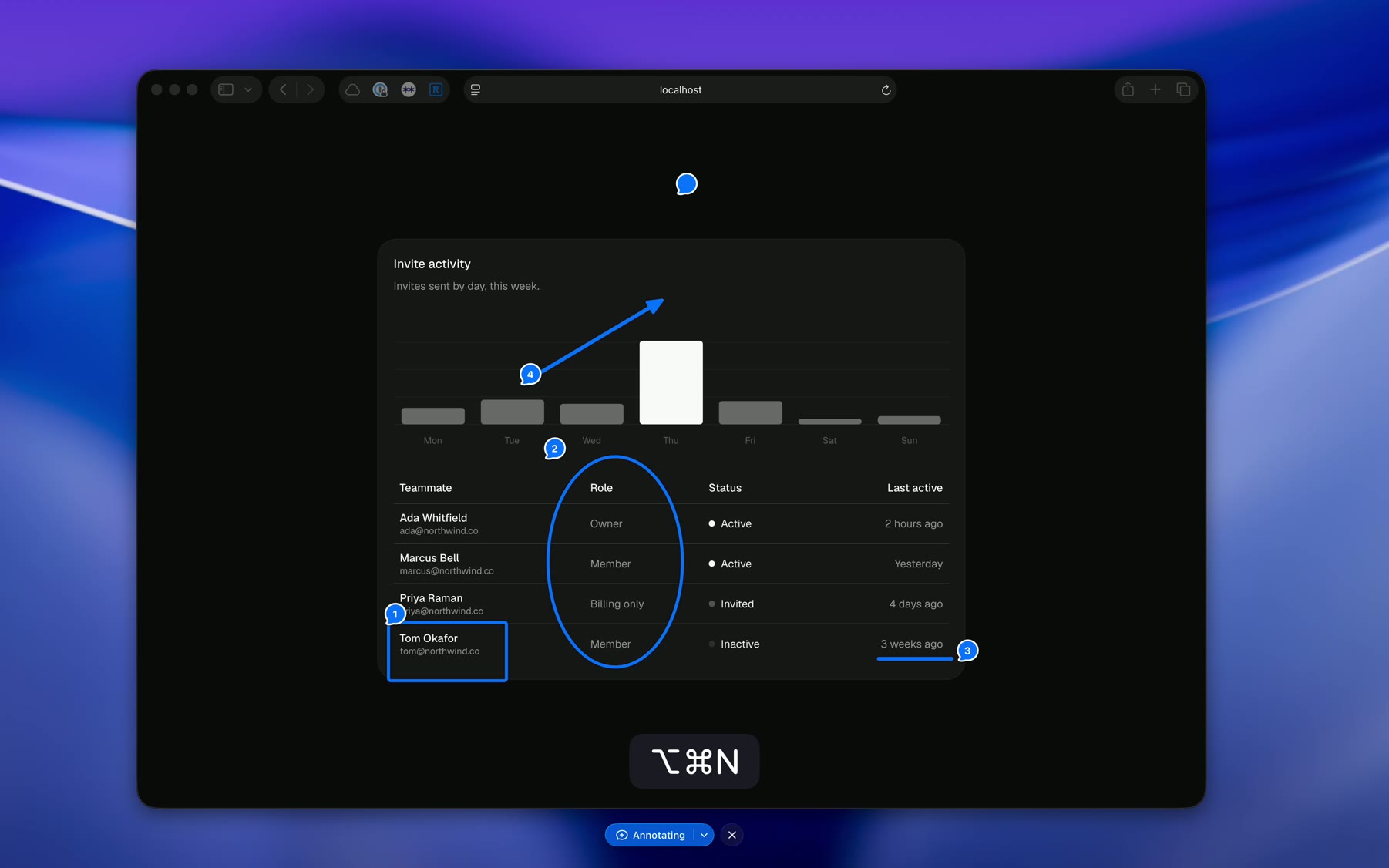
- - No tools. Click plants a numbered pin. Drag draws an arrow. Close a loop and it snaps to a clean shape. The gesture decides.
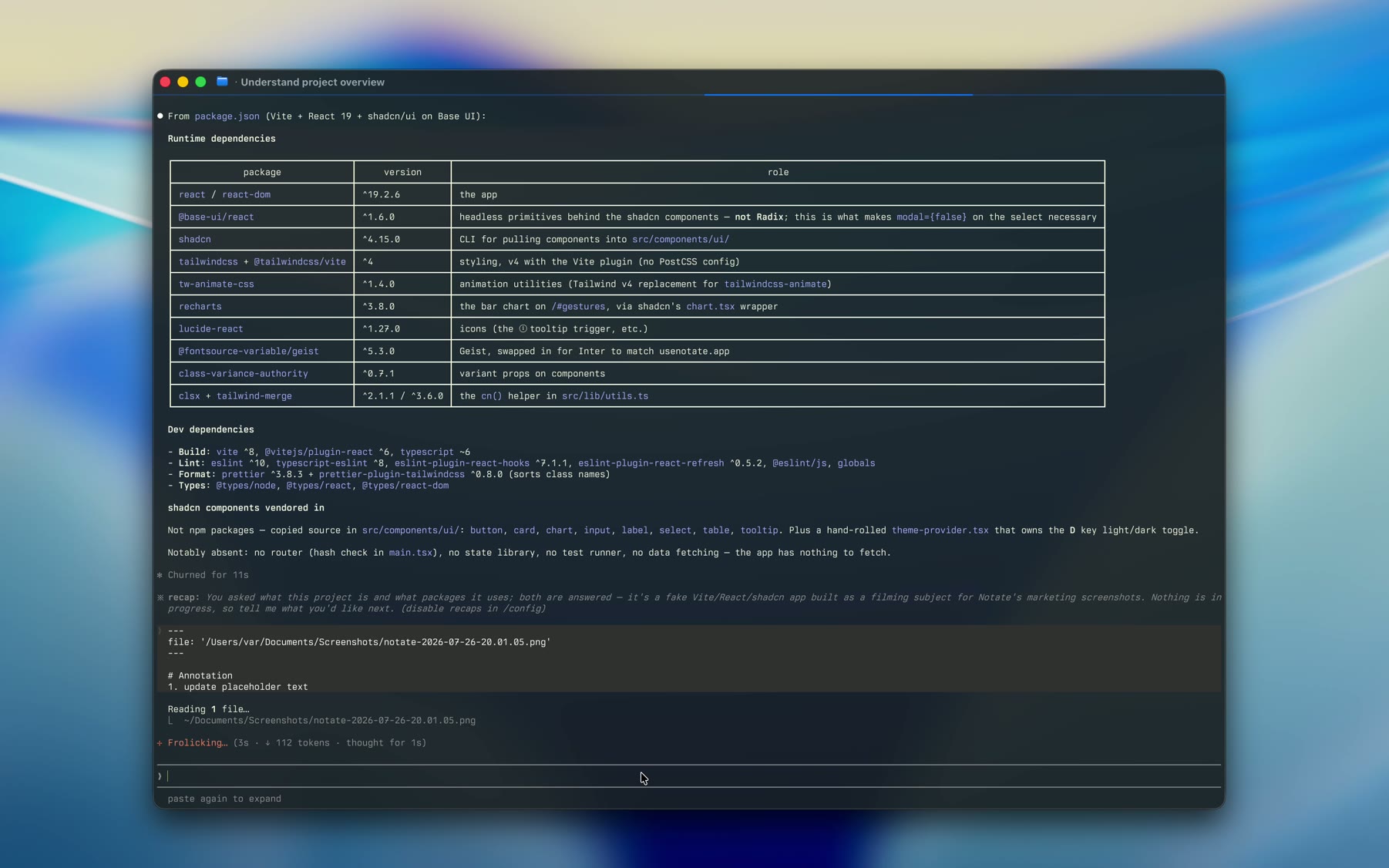
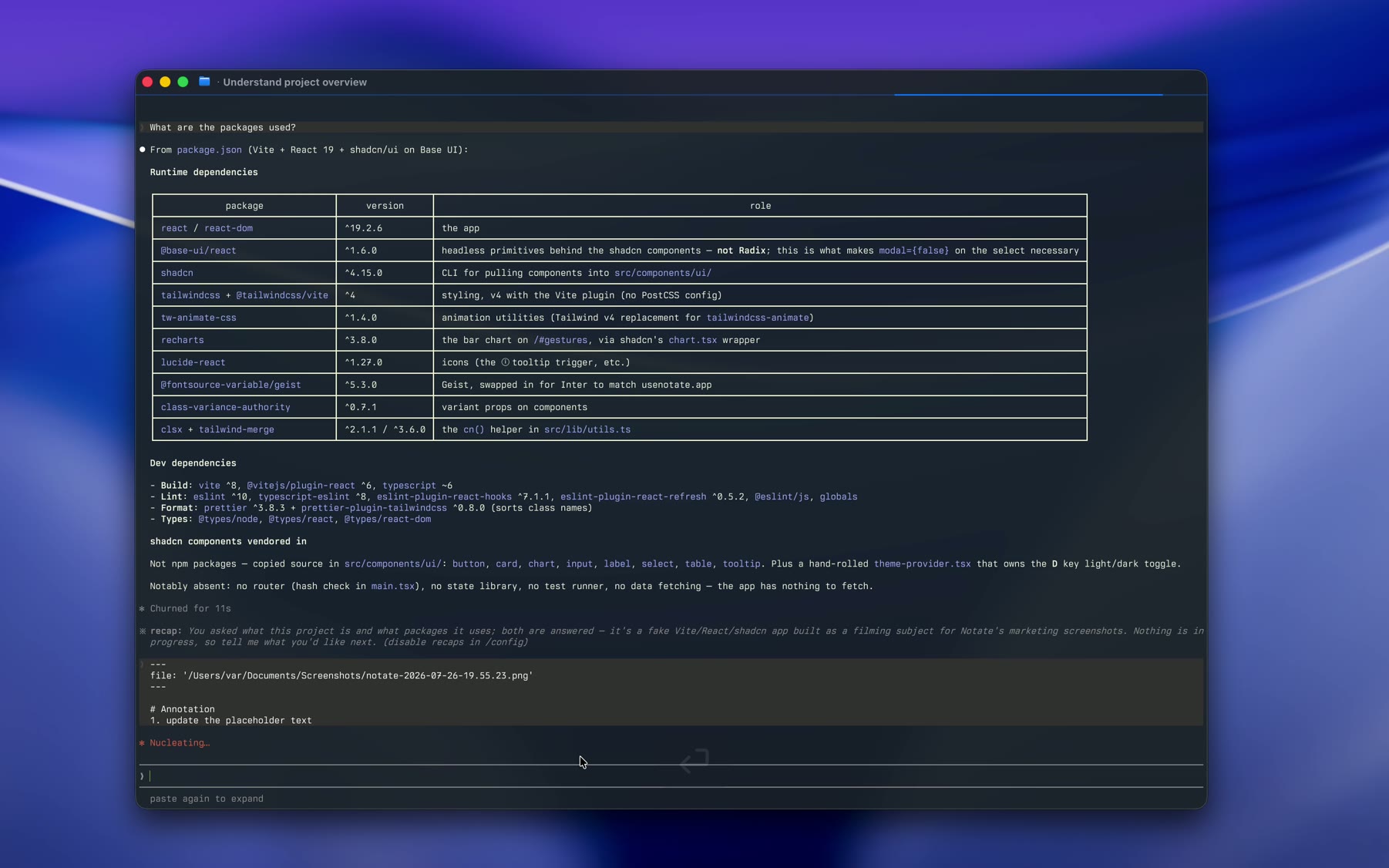
- - Agent-ready exports. Two modes. Text & Image copies your numbered comments as markdown an agent can act on, and saves the picture. Image copies one picture with the comments joined on.
- - Honest dedupe. Identical frames collapse behind gap markers. Nothing is dropped, so the strip stays truthful about what was captured.
- - Smart crop. If every mark lands inside one window, the export crops to that window instead of your whole desktop.
- - Sessions you can reopen. Every annotation is kept as a portable archive. Reopen one and continue where you stopped.
Questions before you install.
What is Notate for?
Anything where pointing beats describing: design and motion review, product walkthroughs, code review, handoffs. Freeze a hover or focus state no screenshot tool can catch, pin the frame where an animation breaks, or mark up a diff, then send numbered pins to a teammate or a coding agent.
Why does it need Screen Recording permission?
Used to read your screen when you capture.
Where do my captures go?
To a folder on your Mac, with the path and your comments on the clipboard.
What does the export look like?
Two modes. Text & Image copies markdown with your numbered comments, and saves the picture. Image copies one picture with the comments joined on.
What is a .notate file?
A portable, versioned archive of one session — images and comments together. Reopen it and keep annotating.
Is it free?
Yes. Notate is free, open source, and MIT licensed. Downloads are distributed as a DMG through GitHub Releases.